Jazz Club Ticketing for Every Performance
Create each date with clear ticket choices, prices and sale times without rebuilding the whole box office.

Made for event teams
No setup fees or subscription required
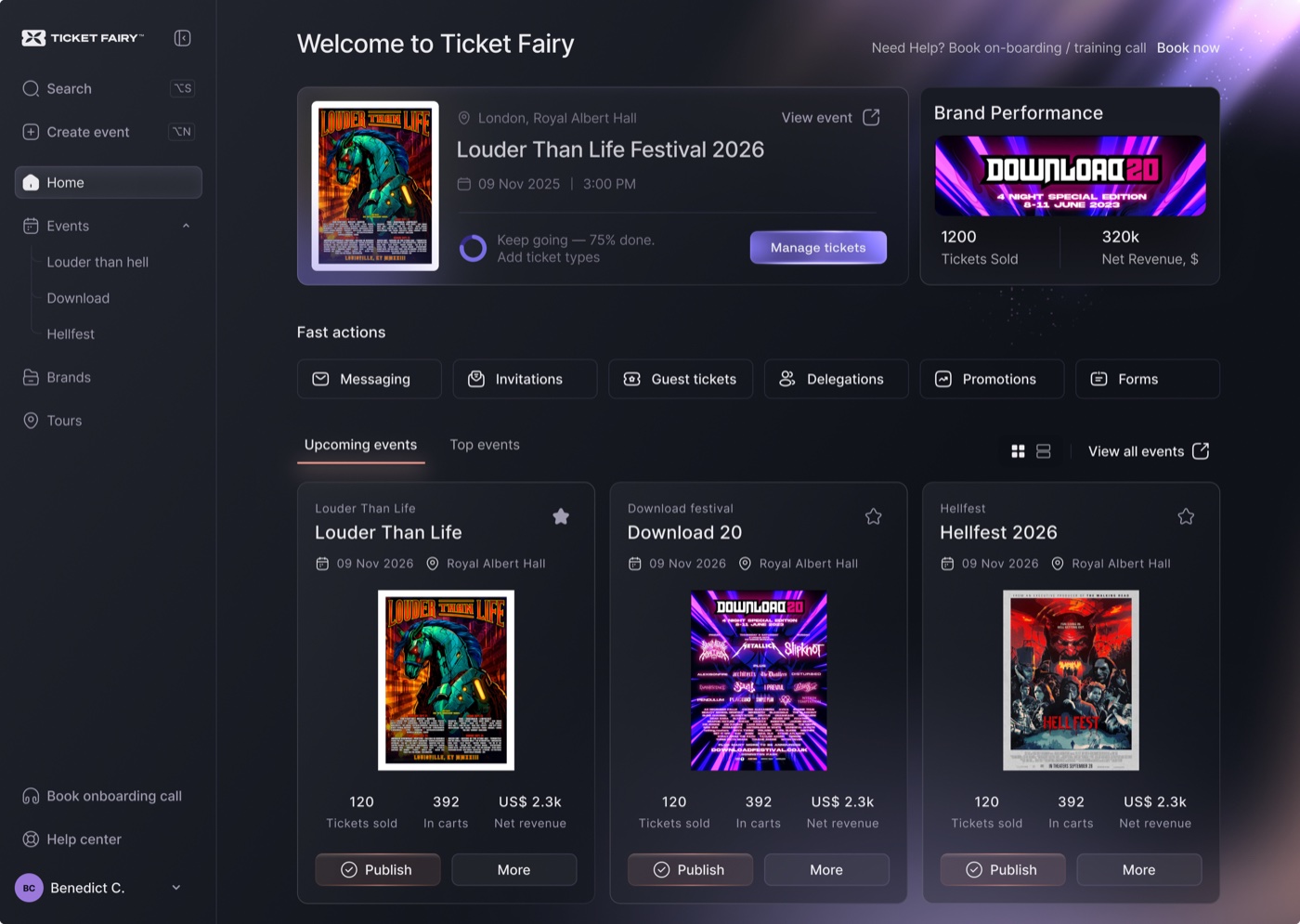
What you can do
Pricing for the UK
Fair, transparent pricing: the higher the ticket price, the lower the percentage fee. All fees shown include payment processing.
You and your attendees pay no fees on free tickets
5–10% of the ticket price: the higher the ticket price, the lower the fee
Minimum fee of £1.00 per paid ticket
Fee includes platform, payment processing, referral marketing and 24/7 support. Nothing extra.
No setup fee or required monthly ticketing fee • Fees are added to ticket prices - you receive the full ticket value
Why Ticket Fairy
A jazz programme needs new dates, prices and seat choices without rebuilding the sales process.
Buyers should know whether they are choosing a reserved seat, table or general admission before they pay.
Help front-of-house staff find the booking and attendee details quickly.
How Ticket Fairy helps
Sell tickets for repeat performances, tables or the reserved seats your event offers. Front-of-house staff can find each booking quickly and welcome guests to the right seat or table.
How it works
Add the seating plan, tables, ticket prices and sale window for each show.
Let buyers select the seat or table they want and collect useful attendee details.
Scan tickets or find a guest by name when they need help at arrival.
Ticket Fairy gives jazz clubs a sales flow for each performance. Reserved seats, tables, general admission, attendee questions and the ticket stay understandable from checkout to front of house.
Publish the next date while the show is still fresh, then use purchase patterns and opted-in contacts to invite relevant buyers back. Give the door team accurate guest and ticket details for every performance.
Keep exploring
Yes. You can ask questions for the whole order or each attendee, so your team gets the information it needs before arrival.
Yes. Set ticket choices, prices, quantities and sale times, then add eligible items such as merchandise, parking or donations to checkout.
Yes. Ticket scanning and order search give staff the ticket, attendee and booking details they need to help guests and keep the queue moving.
Ready when you are
Start without a credit card or monthly ticketing fee. Buyers pay the booking fee by default.