RSVP software for a clear response flow
Give guests a simple page to respond and ask only the questions your event needs.

Made for event teams
No setup fees or subscription required
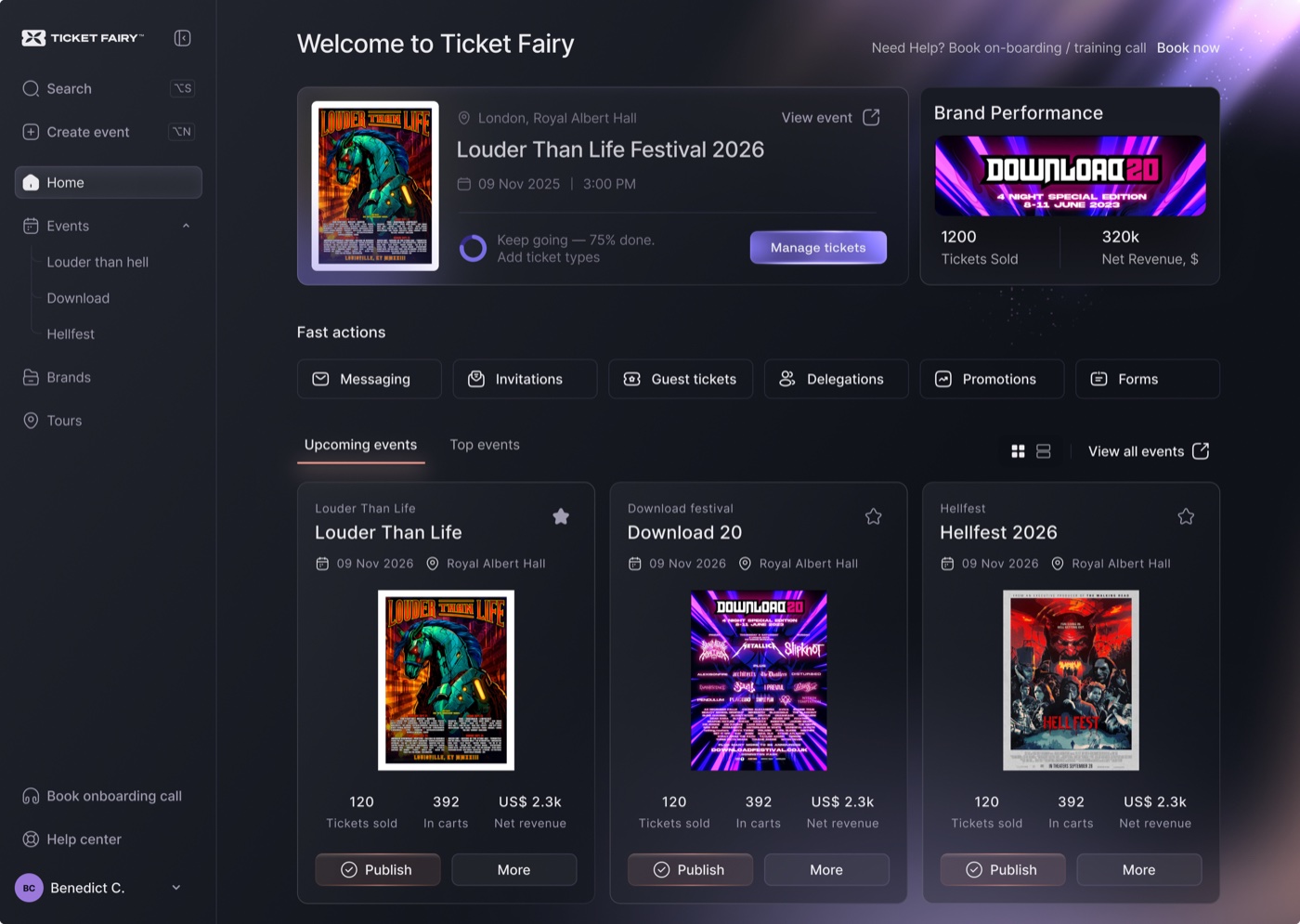
What you can do
Pricing for the UK
Fair, transparent pricing: the higher the ticket price, the lower the percentage fee. All fees shown include payment processing.
You and your attendees pay no fees on free tickets
5–10% of the ticket price: the higher the ticket price, the lower the fee
Minimum fee of £1.00 per paid ticket
Fee includes platform, payment processing, referral marketing and 24/7 support. Nothing extra.
No setup fee or required monthly ticketing fee • Fees are added to ticket prices - you receive the full ticket value
Why Ticket Fairy
Keep each response, guest detail and event update easy to find before arrival.
Collect the details your event needs without making a simple RSVP feel like a booking application.
Staff need the latest responses and a quick check-in path when plans change.
How Ticket Fairy helps
Give your guests a quick way to respond and your team one shared guest list. Ask only for the details your event needs, send clear updates and check people in from the same list.
How it works
Choose the questions, response options and event details guests need to make a decision.
Keep the guest list clear as people reply, change plans or need a clear event update.
Search responses and check people in from the guest list at arrival.
Guests respond through a clear page, while you collect the attendee details your team needs and keep one guest list ready for arrival.
Use free registration when no payment is needed, then move to paid tickets when you decide to charge admission. Your team keeps the guest and attendee details throughout.
Keep exploring
Yes. You can ask questions for the whole order or each attendee, so your team gets the information it needs before arrival.
Yes. Set ticket choices, prices, quantities and sale times, then add eligible items such as merchandise, parking or donations to checkout.
Yes. Ticket scanning and order search give staff the ticket, attendee and booking details they need to help guests and keep the queue moving.
Ready when you are
Start without a credit card or monthly ticketing fee. Buyers pay the booking fee by default.